 LeitBox
Flashcards that live inside Moodle, built on the Leitner box method.
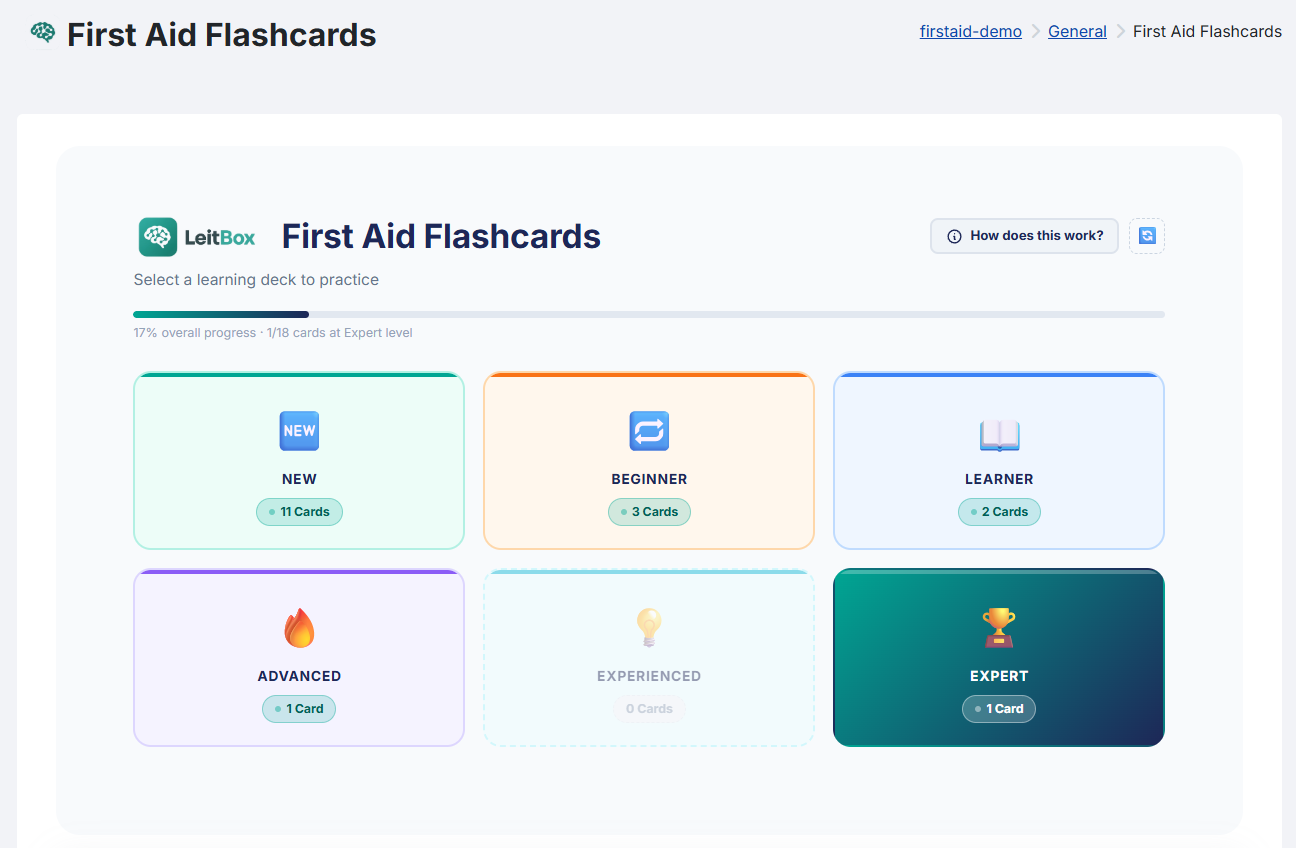
LeitBox turns any course material into a deck of flashcards learners can practise on their own — six learning boxes, fast AI-ready card creation for teachers, and no data ever leaving your Moodle server.
Moodle Marketplace listing: coming soon
What LeitBox is for
Named after Sebastian Leitner, the Austrian scientist who invented the flashcard box method in 1972. LeitBox brings that method natively into Moodle — no extra login, no external tools.
Cards in minutes, not hours
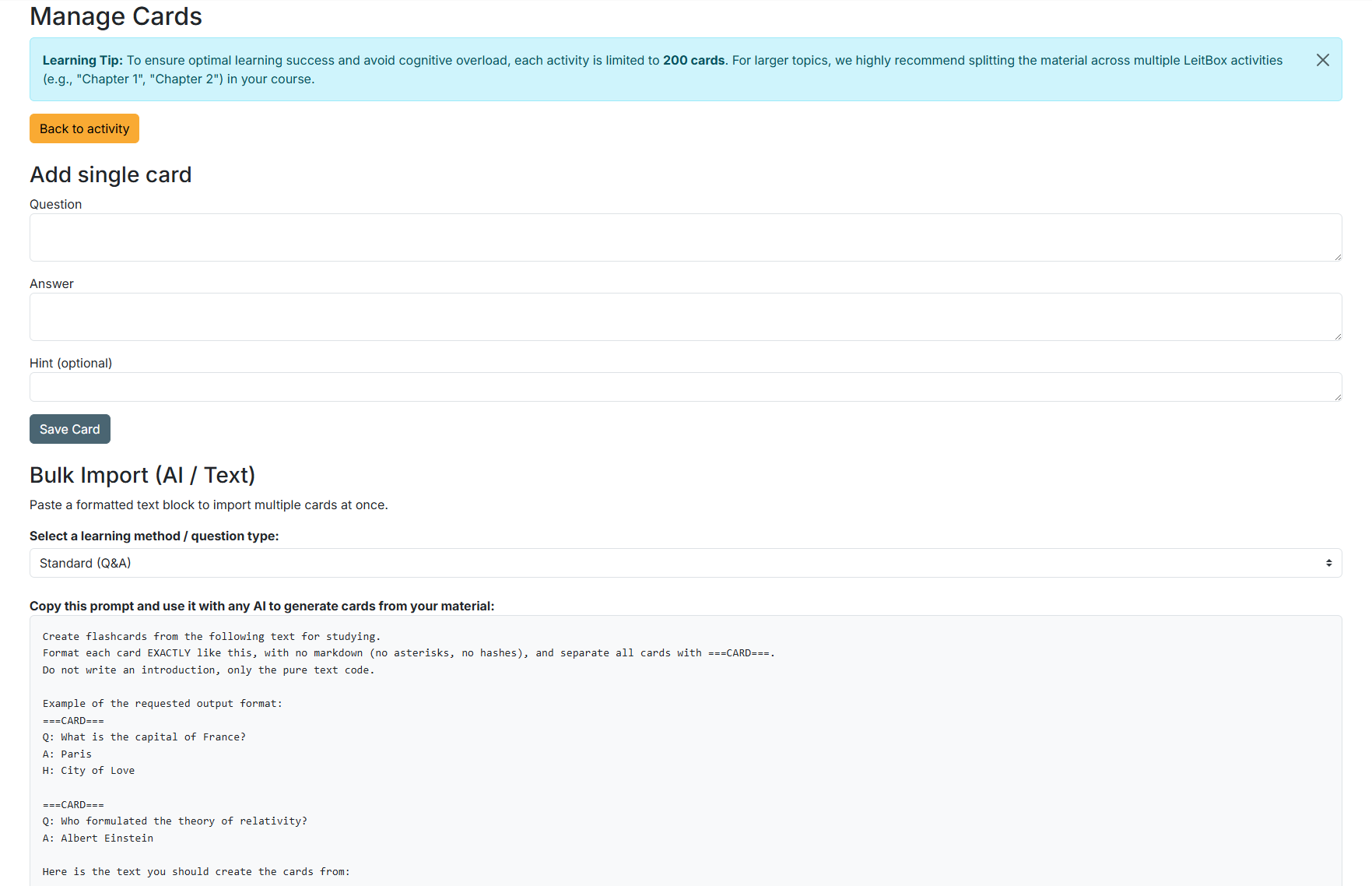
Bulk import from a simple text format, plus built-in prompt templates for six question types — paste your material into any AI assistant and import the result directly, no CSV, no file upload.
Nothing gets lost
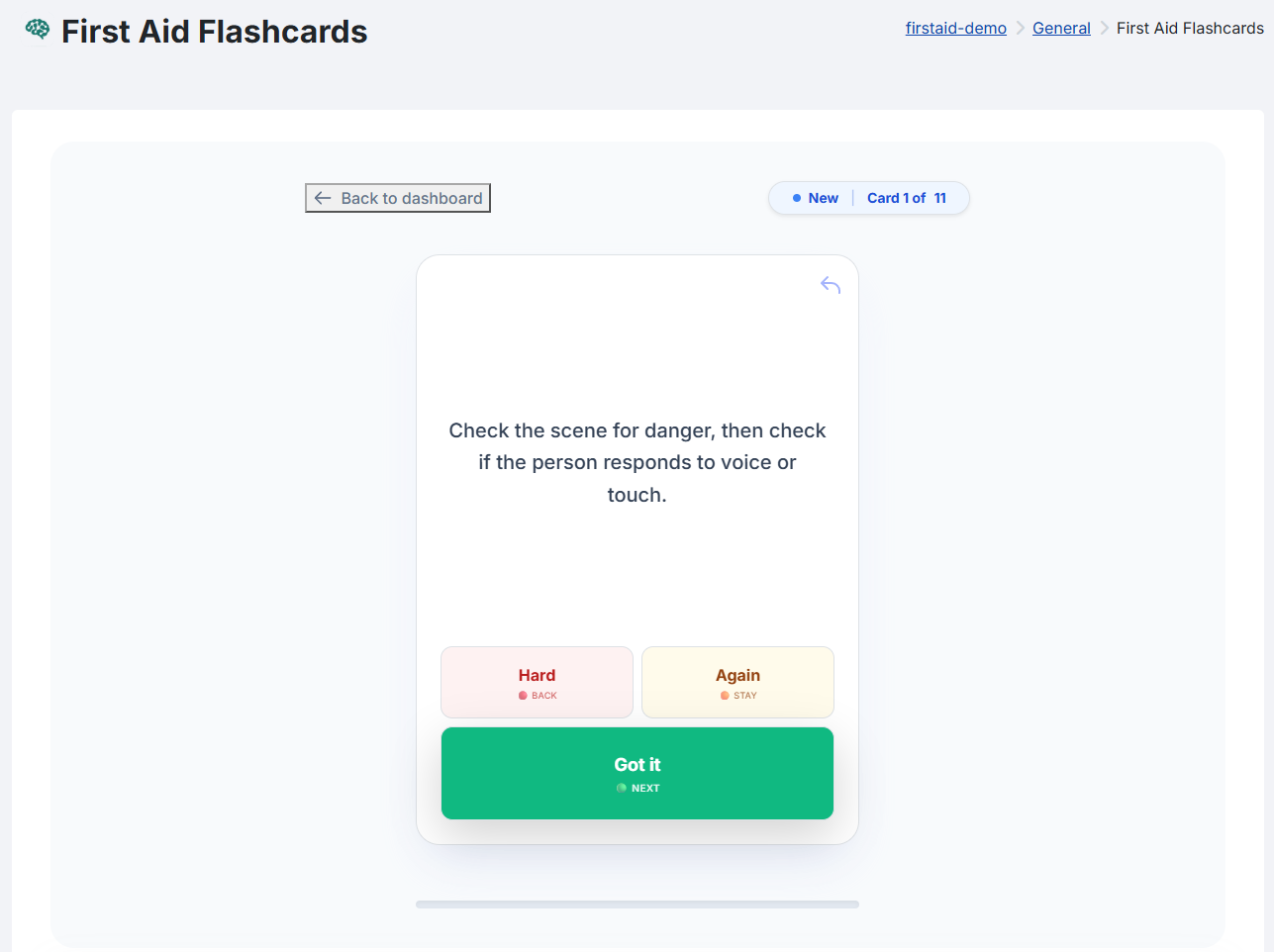
A wrong answer moves a card back exactly one box, never all the way to the start. Cards and progress are included in standard Moodle course backups.
No external services
All flashcards and learning progress stay on your own Moodle server. No third-party login, no external API calls, no tracking.
Calm by design
No ranking, no leaderboards, no game points, no images on cards — built for focus and memory rather than competition.
Features
For teachers
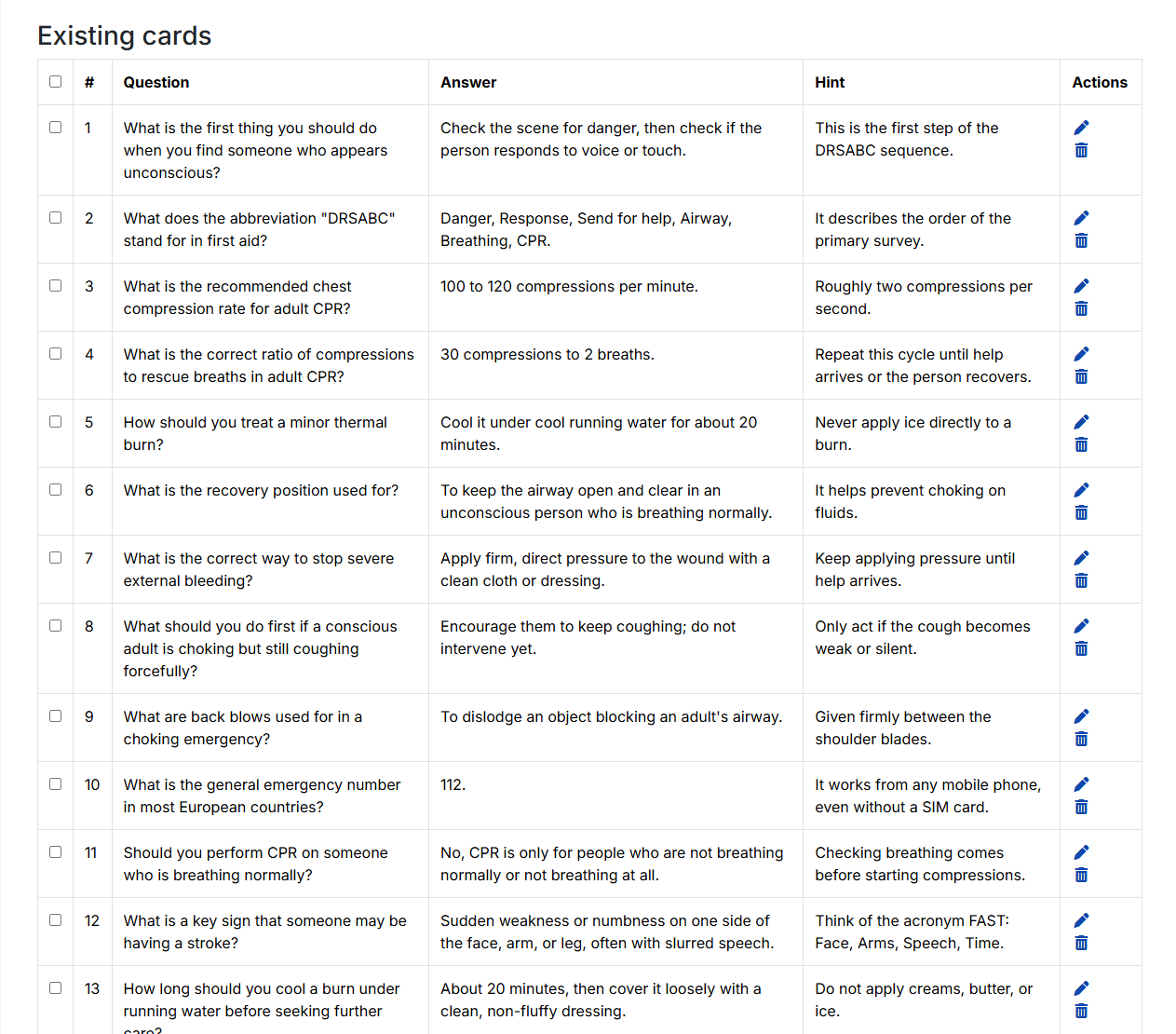
Two ways to create cards: type them one by one, or paste a whole deck at once using a simple text format — including decks written by an AI assistant from a ready-made prompt. Full card management table with edit, delete and export. Three combinable completion conditions tied to Moodle's Activity Completion system.
For learners
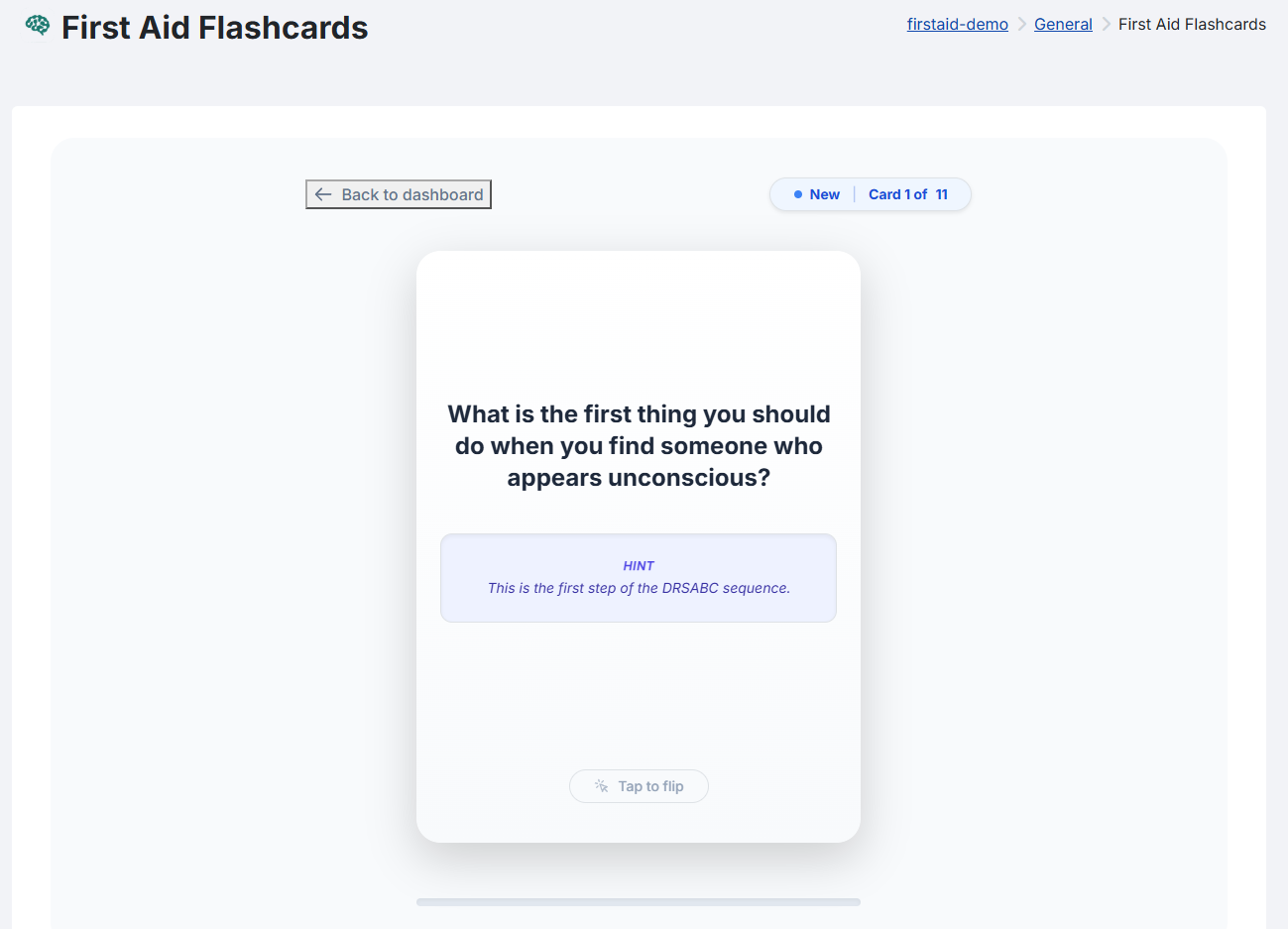
Six learning boxes from New to Expert, three simple rating options per card, an optional hint, and a calm, distraction-free interface with no ranking or competition. Practise at your own pace — there is no fixed schedule.
Six ready-made question templates
Each template comes with its own copy-paste AI prompt, so a teacher can turn existing material into a finished deck in minutes:
- Standard Q&A (factual knowledge)
- True or False (with explanation)
- Vocabulary & Terms (translations, definitions)
- Fill in the Blank (cloze-style)
- Jeopardy (answer first, guess the question)
- Transfer & Real-World Application (highest didactic level)
Three completion conditions
Combine any of these with Moodle's Activity Completion system:
- Learner has interacted with a minimum number of unique cards
- Learner has promoted a minimum number of cards to Expert level
- Learner has promoted all cards to Expert level
Quality and privacy
Built as a native Moodle citizen, not a bolt-on tool.
- Full Moodle Privacy API integration — learner data can be exported or deleted through standard Moodle tools.
- No external services, no third-party login, no analytics or tracking scripts of any kind.
- Full Backup & Restore API support, including flashcard decks and, optionally, individual progress.
- Integrates with Moodle's Course Reset tool, so reusing a course for a new term cleanly clears the previous cohort's progress.
- Automated tests (PHPUnit) and Moodle coding-standard checks (CI) on Moodle 4.1, 4.4 and 4.5.
- Interface available in German and English.
FAQ
What Moodle version do I need?
Moodle 4.1 LTS or later (tested up to 4.5), PHP 8.1 to 8.3, and MySQL, MariaDB or PostgreSQL.
Is LeitBox free?
Yes. LeitBox is free and open-source software (GPLv3), with no paid tier today.
Does any learner data leave my Moodle instance?
No. LeitBox doesn't call out to any external service — all flashcards and progress stay on your own server.
Which languages does LeitBox support?
German and English for the interface.
How many cards should a deck have?
We recommend 20 to 60 cards per activity for the best learning experience; each activity currently supports up to 200.
Can I re-use LeitBox when I reuse a course for a new term?
Yes — LeitBox integrates with Moodle's standard Course Reset tool, so the previous cohort's learning progress is cleared while your flashcards stay in place.